Back to Blog

Utilities Setup Checklist: Internet, Power, Water and More

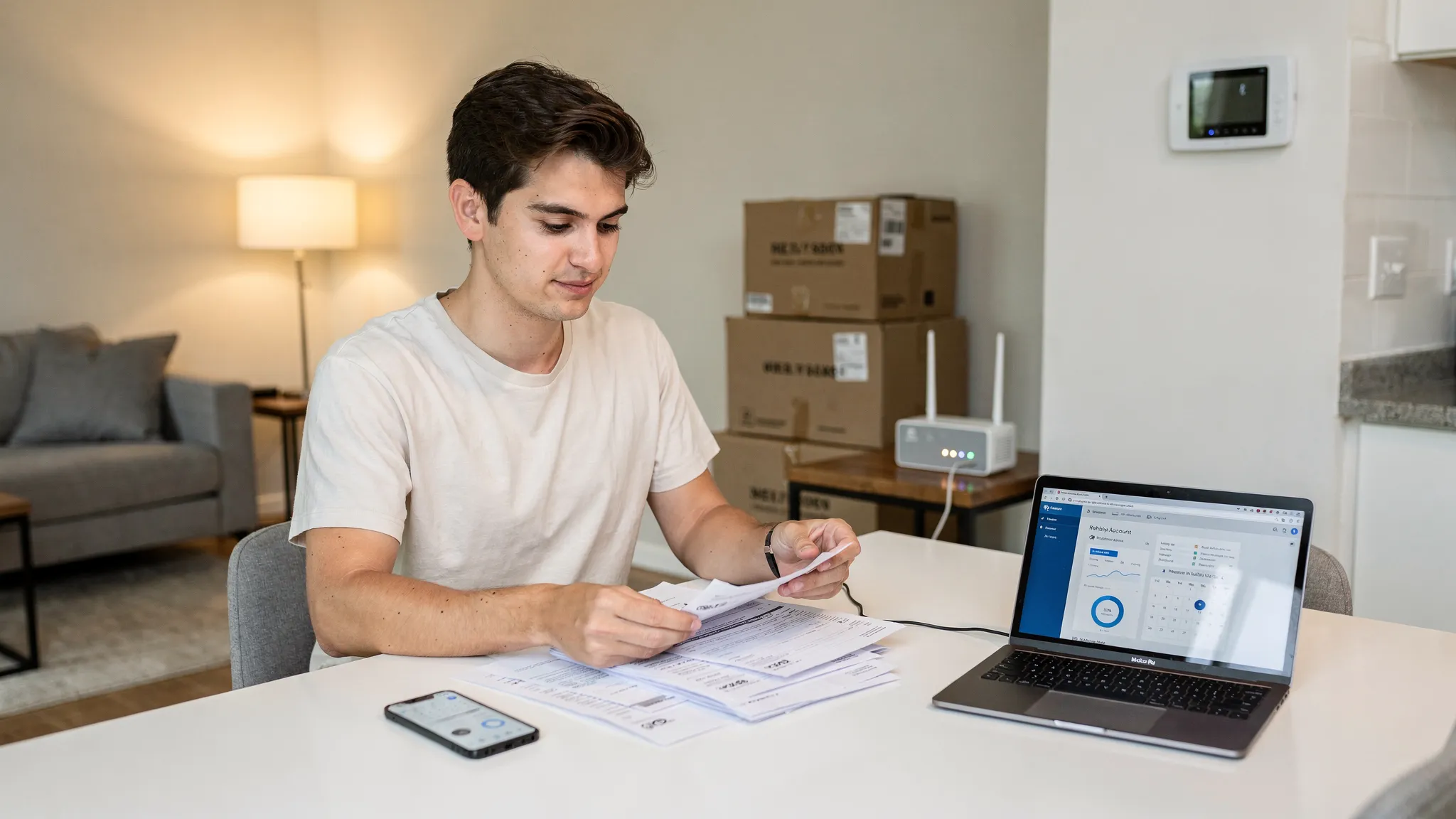
Utilities are one of those move-in tasks that feel “simple” until you are sitting in a dark apartment, your Wi‑Fi install is scheduled for next week, and you cannot figure out whether water is included in rent.

This utilities setup checklist is designed for renters and relocators who want a smooth first week in a new place. It covers the essentials (internet, power, water, gas, trash) plus the common “extras” that create the biggest headaches when they are forgotten.

Start with the 10-minute prep (it saves hours later)

Before you call providers or click “start service,” gather a few details so you only do the work once.

  • Your full service address exactly as the postal service recognizes it (unit number formatting matters)
  • Your move-in date, and if relevant, your move-out date from the old place
  • Landlord or property manager contact info (some utilities require owner authorization)
  • A copy of your lease, especially any clause about utilities, required providers, or required insurance
  • A payment method you will keep long-term (to avoid missed bills during the move)

If you are moving into a building (not a standalone home), also ask for:

  • Any “preferred provider” rules for internet
  • Where meters are located (or whether utilities are sub-metered)
  • Trash/recycling rules, pickup days, and how to get bins or fobs

A simple timeline for setting up utilities

Not every provider needs the same lead time. Use this timeline to avoid service gaps.
Two to three weeks before move-in

  • Schedule internet installation (or confirm self-install eligibility)
  • Set up electricity start date
  • Set up gas start date (if applicable)
  • Confirm water/sewer responsibility (landlord vs tenant), then set up if needed
  • If you are leaving a previous home, schedule shutoff or transfer dates

One week before move-in

  • Confirm install appointment windows and building access instructions
  • Set up trash/recycling service if it is on you (more common in single-family rentals)
  • Set up renter’s insurance if required by your lease
  • Prepare a “move folder” with account numbers, confirmation emails, and provider phone numbers

Move-in day

  • Take photos of all meters (electric/gas/water) if you have access
  • Test outlets, hot water, stove/heat (gas), and thermostat
  • Confirm your router/modem powers on and you can connect (even if activation is pending)

First week in the new place

  • Turn on autopay (after you verify your first bill is correct)
  • Confirm trash pickup schedule and rules
  • Save emergency numbers (gas leak line, property maintenance, after-hours support)
  • Return old equipment (cable modem, router, set-top boxes) and keep receipts
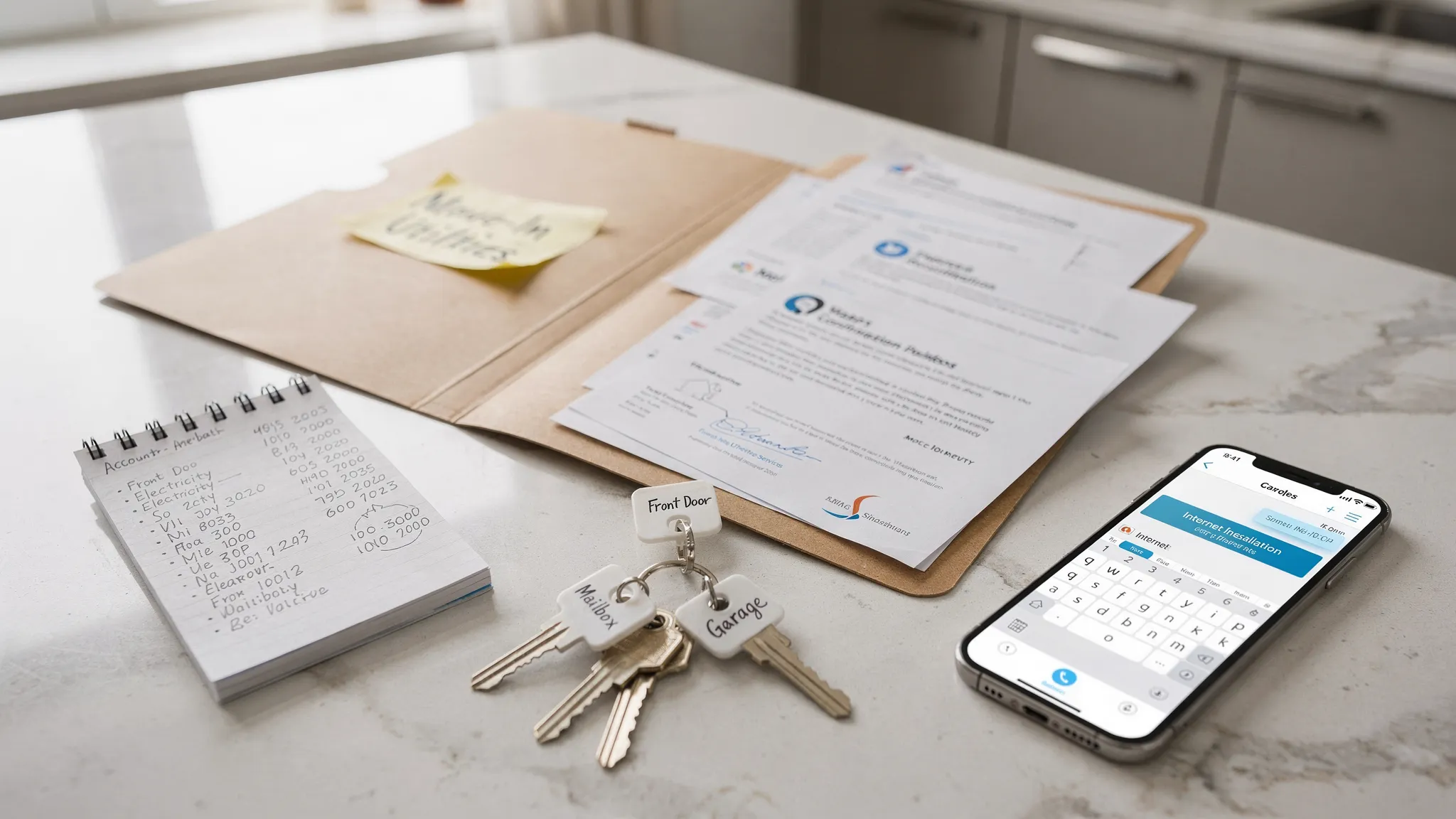
A renter’s “move-in utilities folder” on a kitchen counter, including printed confirmation emails, a notepad with account numbers, a labeled keyring, and a phone displaying a calendar with an internet installation appointment.

Internet setup checklist (the one that causes the most delays)

Internet is usually the highest-friction utility because installations book up, address databases can be wrong, and multi-unit buildings sometimes limit providers.

What to confirm before you order

  • Whether your unit already has an active line (some homes can be activated remotely)
  • Whether your building has exclusive or “bulk” internet (common in newer apartment complexes)
  • Typical installation lead time in your area
  • Equipment requirements (provider modem/router vs your own)
  • Total monthly cost including equipment fees and promotional expiration

Avoid these common internet mistakes

  • Assuming you can self-install, and then discovering your unit needs a technician visit
  • Ordering service to the wrong unit format (Apt 4B vs Unit 4B can break activation)
  • Scheduling install on move-in day without a buffer (elevators, keys, and access are often delayed)

If you need a stopgap, a mobile hotspot or tethering plan can bridge a few days, but confirm data caps and speeds first.

For general guidance on broadband options and terminology in the U.S., the FCC’s consumer broadband resources are a solid reference.

Electricity (power) checklist

In many rentals, electricity is the first service you should activate because it affects everything else (lights, outlets, HVAC, fridge).

What you typically need to start electricity

  • Service address and move-in date
  • ID verification
  • Payment method
  • Sometimes a deposit, especially if you have limited credit history or are new to the country

Setup tips that prevent billing surprises

  • Ask whether your rate is fixed, variable, or time-of-use
  • Confirm whether you will be billed directly by the utility or via building management (common in some multi-family setups)
  • Take a photo of the meter reading (or screenshot of the smart meter portal) on move-in day, if accessible

If you are transferring electricity from a previous address, make sure the end date at the old place does not overlap with the start date at the new place unless you intentionally want overlap.

Water and sewer checklist (often included, sometimes not)

Water is tricky because responsibility varies by city, building type, and landlord preference.

First, answer this question

Is water/sewer billed:

  • Included in rent
  • Billed to you directly by the municipal provider
  • Billed through the building (RUBS, sub-metering, or ratio utility billing)

Your lease should say which applies. If it does not, get it in writing from the property manager.

If you are responsible for water

  • Ask whether a physical meter reading is required on move-in
  • Confirm how billing works (monthly vs quarterly in some areas)
  • Ask whether there are additional stormwater or service fees bundled into the bill

Gas checklist (heating, stove, hot water)

If your home has gas, treat setup as both an administrative task and a safety task.

What to do when starting gas service

  • Confirm start date and whether an adult must be present
  • Ask if the utility requires an inspection or safety check
  • Locate the gas shutoff and confirm you know how to contact the emergency gas line

If you smell gas at any time, treat it as an emergency and follow your local utility’s instructions.

Trash and recycling checklist

Trash is usually simple, but when it is missed it can create immediate friction (overflowing bins, fines, or missed pickup).

What to confirm

  • Who manages service (city, private hauler, HOA, or building)
  • Pickup days and holiday schedule
  • What items are restricted (cardboard breakdown rules, bulk pickup, electronics)
  • Where bins should be stored and when they can be placed outside

In apartment buildings, trash may be included and handled onsite. In single-family rentals, setting it up can fall to the tenant.

“Other utilities” people forget (but regret later)

Not every home has these, but they are common enough to be worth a quick check.

Heating oil or propane

If the home uses oil or propane instead of natural gas:

  • Confirm whether you must keep the tank above a minimum level
  • Ask the landlord what provider they recommend (and whether you must use a specific one)
  • Clarify whether the tank is owned, leased, or serviced under a contract

Phone service and emergency address

If you are changing mobile plans, update your address for emergency services and billing, especially if you are switching states or moving internationally.

Mail and address changes

In the U.S., file an official change of address and set mail forwarding through USPS. Then update your address directly with banks, employers, and subscription services because forwarding is not a permanent solution.

Insurance and protection items to handle early

Utilities are “turn-on” tasks, but a move also changes your risk profile overnight.

Renter’s insurance (often required)

Many leases require renter’s insurance before you can get keys or receive approval. Even when it is not required, it is typically inexpensive relative to the cost of replacing belongings after theft, fire, or water damage.

If you are relocating to the UAE and need to sort coverage quickly, you can use a comparison marketplace to reduce back-and-forth. For example, InsuranceHub lets you compare and buy insurance online in the UAE for categories like home and health, which can be helpful when you are juggling multiple move tasks at once.

Utility-related protection habits

  • Keep confirmation emails and account numbers until you have received at least one correct bill
  • Photograph meter readings at move-in (and move-out)
  • Save return receipts for any rented equipment

A copy-and-paste utilities setup checklist

Use this as your working list in a notes app.
  • Confirm which utilities are included in rent (electric, gas, water/sewer, trash)
  • Identify required providers (especially internet in multi-unit buildings)
  • Schedule internet activation or installation
  • Start electricity service
  • Start gas service (if applicable) and confirm safety/inspection requirements
  • Set up water/sewer if tenant-responsible
  • Confirm trash/recycling setup and rules
  • Take move-in photos of meters (if accessible)
  • Test essentials on day one (lights, outlets, hot water, stove, heat/AC)
  • Enable autopay after verifying the first bill
  • Update your mailing address and key accounts
  • Return old equipment and keep proof
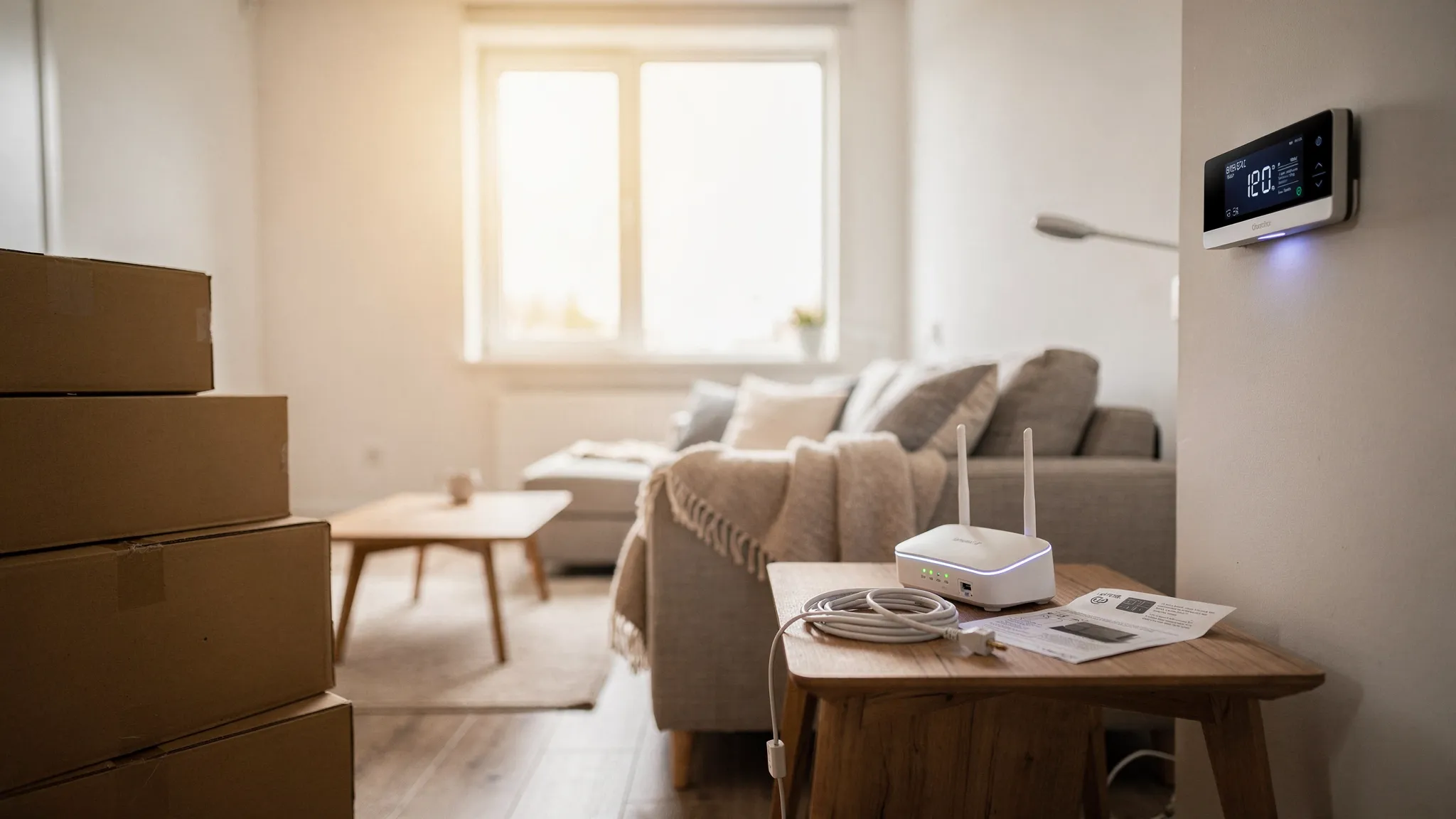
A simple “utilities on” moment in a new apartment: a lit living room with a visible Wi‑Fi router on a side table, a thermostat on the wall, and moving boxes stacked neatly nearby.

Common utility setup mistakes (and how to avoid them)

Starting service too late

Internet and gas can require appointments. If you wait until move-in week, you may be stuck with a gap. Put internet at the top of your timeline.

Canceling the old place too early

If you work from home, keep overlap where it matters. It is often cheaper to overlap internet for a few days than to lose productivity or burn PTO.

Not matching the official address format

Provider databases can be picky. If your activation fails, double-check the unit format on your lease and with USPS.

Skipping documentation

Meter photos, confirmations, and equipment return receipts are boring until there is a dispute. Then they are the fastest way to end it.

Frequently Asked Questions

When should I set up utilities before moving in? Internet and any utility that requires an appointment should be started two to three weeks before move-in. Electricity can often be started within a few days, but earlier is safer.

How do I know if water is included in rent? Your lease should state whether water/sewer is included, billed directly to you, or billed through the building. If it is unclear, request written confirmation from the property manager.

Can I start utilities before my lease begins? Usually yes, but you must choose a start date and you may be billed from that date. Some buildings require landlord authorization to start certain services.

What if my internet installation is delayed? Ask about self-install options, temporary activation, or using a different provider if the building allows it. As a short-term backup, check your mobile plan’s hotspot limits.

What documents do providers typically require? Often an ID, service address, start date, and payment method. Some providers require a deposit, especially for new customers, international relocators, or limited credit history.

Should I transfer utilities or start a new account? If you already have the same provider and are staying in the same service area, transferring is simplest. If you are moving to a new city or your building uses different providers, you will usually need a new account.

Next step: make your move-in plan easier

If you are still in the “planning and paperwork” phase of your move, these guides can help you avoid the most common renter mistakes before you even get to utilities:

- **`xs`** → `--space-xs` = `0.5rem` (≈ 8px)  
- **`sm`** → `--space-sm` = `0.625rem` (≈ 10px)  
- **`s`** → `--space-s` = `0.75rem` (≈ 12px)  
- **`m`** → `--space-m` = `1rem` (≈ 16px, базовый)  
- **`md`** → `--space-md` = `1.25rem` (≈ 20px)  
- **`l`** → `--space-l` = `1.5rem` (≈ 24px)  
- **`xl`** → `--space-xl` = `2rem` (≈ 32px)  
- **`2xl`** → `--space-2xl` = `3rem` (≈ 48px)  
- **`3xl`** → `--space-3xl` = `4rem` (≈ 64px)  
- **`4xl`** → `--space-4xl` = `5rem` (≈ 80px)  
- **`huge`** → `--space-huge` = `3.75rem` (≈ 60px, спец‑размер)  
- **`giant`** → `--space-giant` = `6.25rem` (≈ 100px, максимум)

#### 3.1. Margin (десктоп)

- `mt-*` — `margin-top`  
- `mb-*` — `margin-bottom`  
- `mv-*` — вертикальный margin (top + bottom)

#### 3.2. Margin (мобильный)

Те же, но с префиксом `m-`:

- `m-mt-*`, `m-mb-*`, `m-mv-*`

#### 3.3. Padding (десктоп)

- `p-*` — padding со всех сторон  
- `pv-*` — padding по вертикали (top + bottom)  
- `ph-*` — padding по горизонтали (left + right)  
- `pt-*` — `padding-top`  
- `pb-*` — `padding-bottom`  
- `pl-*` — `padding-left`  
- `pr-*` — `padding-right`

Аналогично, но с `m-`:

- `m-p-*`, `m-pv-*`, `m-ph-*`, `m-pt-*`, `m-pb-*`, `m-pl-*`, `m-pr-*`

#### 3.5. Gap

- `gap-*` — `gap` между элементами (flex/grid), базовое значение.  
- `m-gap-*` — `gap` только на мобилках.

- `fl-l` — `display: flex; justify-content: flex-start;`  
- `fl-c` — `display: flex; justify-content: center;`  
- `fl-r` — `display: flex; justify-content: flex-end;`  
- `fl-m` — центр и по горизонтали, и по вертикали (`justify-content: center; align-items: center;`)  
- `fl-btwn` — `justify-content: space-between;`  
- `fl-w` — `flex-wrap: wrap;`  

- `ta-l` — `text-align: left;`  
- `ta-c` — `text-align: center;`  
- `ta-r` — `text-align: right;`

- `m-ta-l`, `m-ta-c`, `m-ta-r`