Back to Blog

Remote Apartment Hunting: How to Rent Without Seeing It

Remote apartment hunting used to be a last resort. In 2026, it is a normal part of relocating for work, school, or family, especially when timelines are tight and good listings move fast.

But renting without seeing a place in person raises two hard problems:

  • Decision risk (the apartment is real, but it is not what you thought).
  • Transaction risk (the listing, “landlord,” or payment flow is not legitimate).

This guide focuses on the practical middle ground: how to confidently rent sight unseen when you truly need to, and how to structure your process so small uncertainties do not turn into expensive surprises.

Start with the right question: do you need to rent sight unseen?

Before you optimize your remote process, decide whether you should be renting long-term at all.

Renting without visiting can make sense when:

  • You are moving to a familiar city or you already know the neighborhood.
  • The building has a strong, verifiable management company and consistent reviews.
  • The unit is fairly standard (newer building, common floor plan, clear amenity package).
  • Your move date is fixed and you cannot travel beforehand.

It is usually a bad idea when:

  • You are targeting older units with highly variable conditions (moisture issues, noisy plumbing, uneven maintenance).
  • The landlord is a one-off individual and everything is “through messaging only.”
  • The price is meaningfully below market without a clear reason.
  • You feel rushed, pressured, or pushed to pay before basic verification.

If you are unsure, consider a hybrid: book a short-term stay for 1 to 4 weeks, then sign a longer lease after you have walked the neighborhoods. It is not always cheaper, but it is often cheaper than being stuck in the wrong lease.

Build a remote-hunting workflow (so you do not miss key checks)

Remote leasing goes wrong when people rely on vibes from a few photos. A safer approach is to run every finalist listing through the same workflow.

A simple structure that works:

  • Screen: confirm the listing is real and fits your non-negotiables.
  • Tour: collect evidence (live video, measurements, noise checks).
  • Verify: confirm identity, ownership, and management.
  • Negotiate: reduce risk through lease terms and documented promises.
  • Arrive: do a tight move-in audit so your deposit and comfort are protected.

You will move faster and make fewer emotional decisions if you treat it like due diligence.

Make the video tour do real work (not just a walkthrough)

A pre-recorded video is helpful. A live video tour is where you can actually test claims and reveal gaps.

What to ask for before the live tour

Request these upfront so the call is efficient:

  • The exact unit number (not “similar unit”).
  • The floor plan, square footage, and which direction windows face.
  • A list of fees beyond rent (parking, trash, “admin,” amenity, package, pet).
  • A copy of the lease sample and any building rules.

If they will not provide basics in writing, that is usually a signal.

A live-tour checklist that catches most problems

During the call, ask the agent or landlord to show (slowly):

  • Ceilings and corners in every room (stains, patching, mold risk).
  • Under-sink cabinets (leaks, swelling, odor).
  • Windows open and close (drafts, broken latches, street noise).
  • Water pressure (kitchen and bathroom, hot and cold).
  • Cell signal near windows and deeper inside the unit.
  • Appliance model tags (age and brand can hint at maintenance level).
  • The view from each window (privacy, construction, nightlife).

Then ask for two “proof” moments:

  • A quick look at today’s date on their phone lock screen, then pan to the unit. This discourages recycled footage.
  • A hallway shot showing unit number, and the route to elevator or stairs.

If the person refuses either, you do not have enough evidence to wire money to anyone.
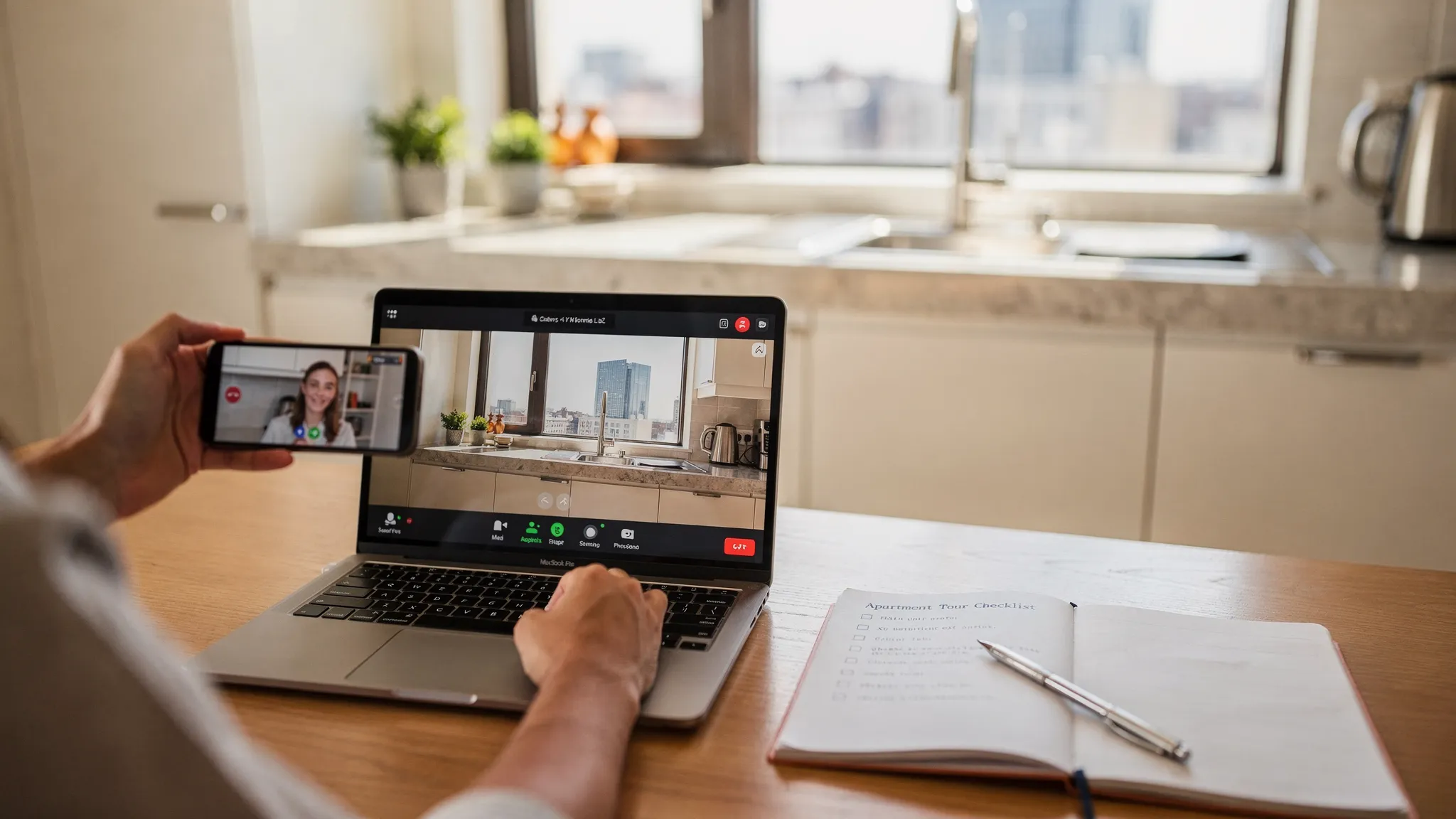
A renter on a video call with a property manager, holding a phone to show an apartment kitchen and windows during a live virtual tour. The laptop screen faces the viewer and shows the video call interface, while a notepad with a checklist sits beside the laptop.

Verify the listing and the counterparty (before you pay anything)

Remote renters get burned in two ways: fake listings, and real listings handled by the wrong person.

Here is a verification approach that is fast and realistic.

Confirm the property exists and matches the listing

  • Compare photos to Google Maps and Street View for exterior match.
  • Check that amenities shown (gym, lobby, pool) match public photos and reviews.
  • Search the address plus “property management” and see whether the names line up.

Confirm who you are dealing with

The safest path is a known building management company with a public office number.

If it is an individual landlord, you want to verify identity and authority to lease. Methods vary by location, but common options include:

  • County assessor or property records portals (many US counties provide owner lookups).
  • A real estate license lookup if they claim to be an agent (state real estate commission sites).
  • A quick call to the building’s main line (if applicable) to confirm they manage that unit or owner.

Use payment methods that preserve leverage

This is not legal advice, but as a general risk rule: avoid payment methods that are hard to trace or reverse.

If you want a baseline for scam patterns and consumer reporting options, the FTC’s guidance on rental listing scams is a solid reference.

Evaluate the neighborhood without visiting (like a local would)

Many “sight unseen” regrets are actually neighborhood mismatches, not apartment issues. You can reduce that risk with a few targeted checks.

Recreate daily life, not a weekend fantasy

Build a simple routine map around:

  • Work or campus
  • Grocery store
  • Gym or park
  • A coffee shop or third place you will actually use

Then validate:

  • Transit options at your real commute hours
  • Walking routes after dark
  • Noise sources (bars, stadiums, highways)

Read reviews strategically

Do not just average star ratings. Look for repeated mentions of:

  • Package theft patterns
  • Maintenance response time
  • Pest issues
  • Hot water outages
  • Elevator reliability

One-off complaints happen everywhere. Repeating themes are data.

Reduce risk with lease terms (your best remote “insurance”)

A remote lease should be structured differently than an in-person lease, because you are accepting more uncertainty.

Get every promise into writing

If the agent says “we will repaint,” “we will replace the fridge,” or “the flooring is new,” ask for it in:

  • The lease itself, or
  • A written addendum signed by both parties

Text messages and verbal assurances rarely help when there is a dispute.

Clauses worth paying attention to when you have not visited

Read the lease carefully (and consider local legal review if the stakes are high). Pay extra attention to:

  • Move-in condition standards (what counts as “clean” or “damages”)
  • Maintenance responsibilities (filters, minor repairs, pest control)
  • Early termination and reletting fees
  • Sublet policy (it can be your escape valve)
  • Utility setup and billing (especially for “RUBS” or shared utilities)
  • Renters insurance requirements

If you are negotiating, focus on risk reducers that are easy for a landlord to accept, like a clearly defined move-in inspection window.

If you are relocating as a creator or running a side business from your new city, you might also need specialized legal help beyond housing, for example around licensing and protecting creative work. For music-rights monitoring and enforcement, Third Chair’s IP tools are an example of a platform designed for that specific legal and commercial layer.

Use a proxy: a local friend, an agent, or a paid inspector

If the unit is important enough that you would feel sick signing without more certainty, add a proxy visit.

Options:

  • A trusted friend or colleague with a checklist and a 10-minute video call.
  • A local real estate agent (in some markets, they will do rental showings for a fee).
  • A third-party home inspector (more common for houses, but some will do a condition check for apartments if access is permitted).

What you want from a proxy is not their opinion of “cute” vs “not cute.” You want objective evidence: odors, noise, light, temperature, water pressure, and overall building condition.

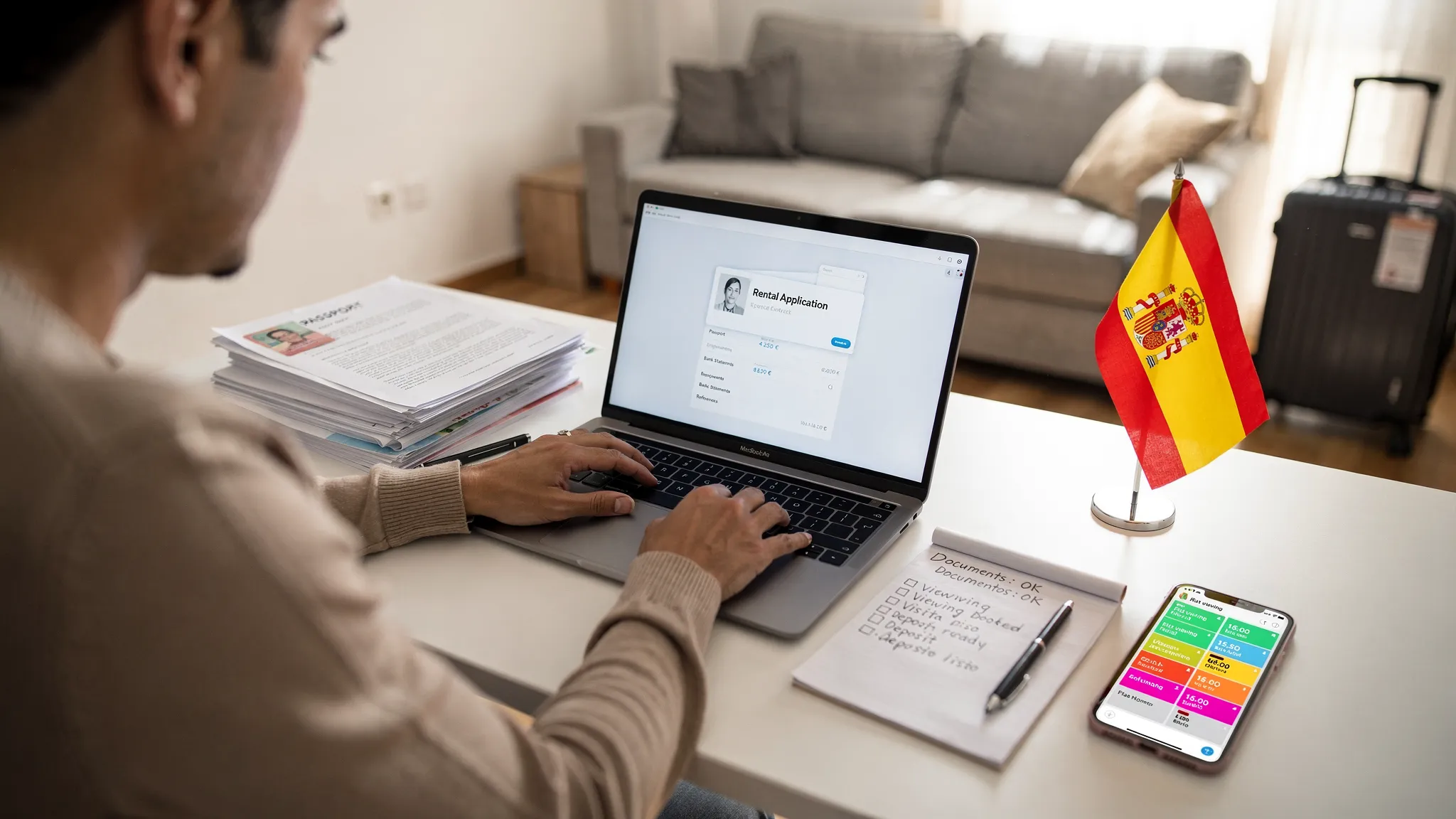
Create a remote-friendly application packet (so you can move fast)

Remote renters often lose great units because they cannot assemble documents quickly across time zones.

Prepare a single PDF folder you can reuse:

  • Government ID (share securely, and only when necessary)
  • Proof of income (pay stubs, offer letter, or tax return if self-employed)
  • Credit and background authorization forms (only through legitimate portals)
  • Reference contacts (prior landlord, employer)
  • A short renter cover note (1 paragraph, factual and polite)

Speed matters, but never trade speed for safety. If the “application” is a random form asking for sensitive data without a verifiable company behind it, pause.

Arrive like an auditor: your first 60 minutes protect your deposit

The moment you get the keys, do not start unpacking first. Do a quick condition audit while the apartment is empty.

  • Take a continuous walkthrough video, then 20 to 40 close-up photos.
  • Photograph existing scuffs, chips, stains, and appliance dings.
  • Test locks, windows, smoke detectors, and hot water.
  • Confirm you received all keys and fobs you were promised.

Send a concise move-in condition email the same day, attaching your top photos. This is the easiest way to prevent deposit disputes later.
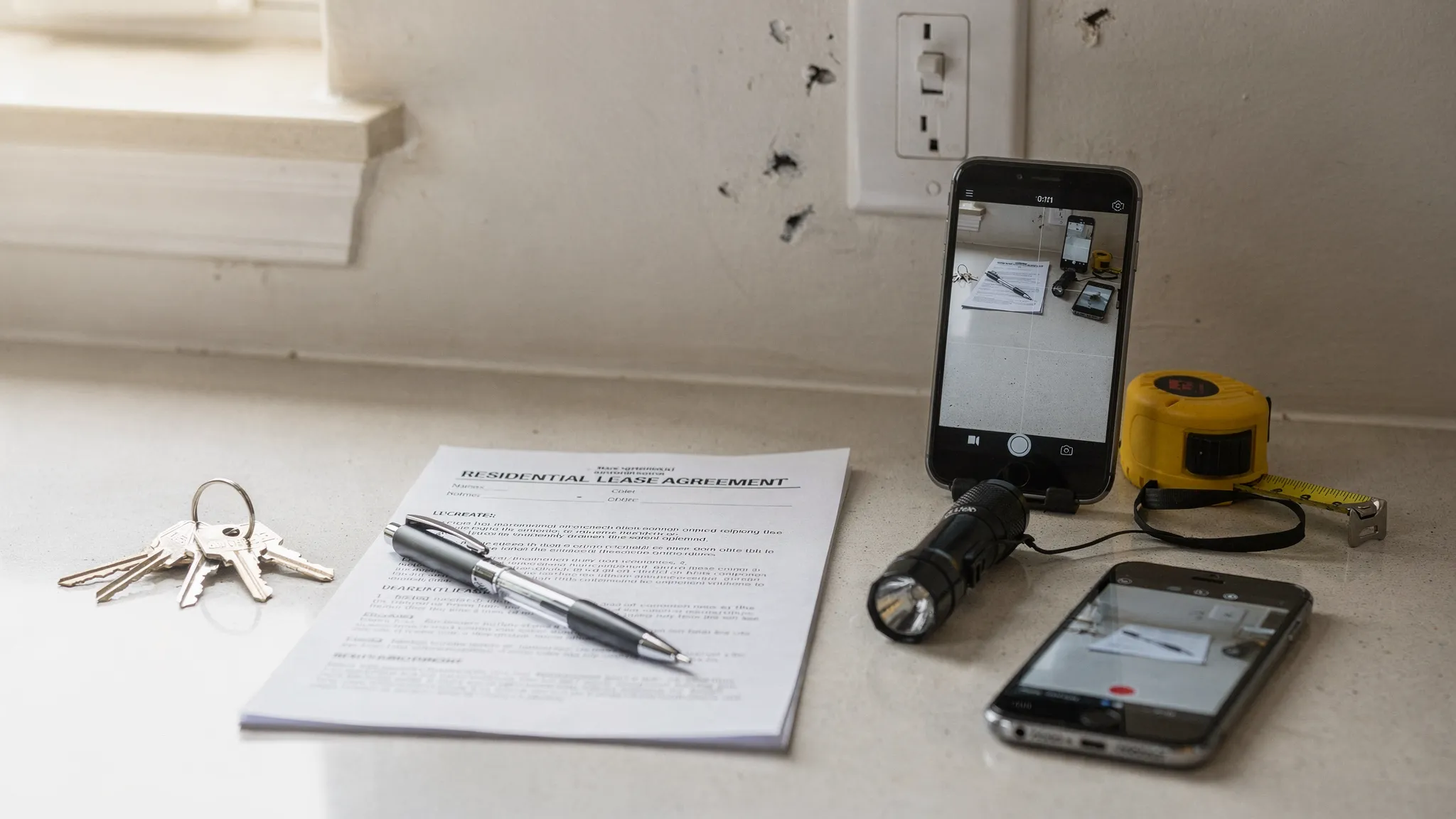
An organized move-in inspection setup on a kitchen counter: keys, a printed lease, a flashlight, a tape measure, and a smartphone taking photos of minor wall scuffs near a light switch.

Common remote apartment-hunting mistakes (and what to do instead)

Mistake: trusting wide-angle listing photos. Fix: use live video, ask for corner-to-corner ceiling shots, and request a measurement reference (tape measure on key walls).

Mistake: evaluating only the unit. Fix: verify the building systems and management reputation, since those drive most day-to-day frustration.

Mistake: paying before verification. Fix: treat identity and authority checks as a required gate.

Mistake: skipping written documentation of promises. Fix: if it matters, it belongs in the lease or addendum.

Mistake: arriving without a move-in audit plan. Fix: document first, then unpack.

A practical standard: “confident enough to sign”

You rarely get perfect certainty without visiting. The goal is a professional standard of confidence.

You are generally “confident enough to sign” when you have:

  • A live tour (or a reliable proxy visit) with specific problem checks completed
  • Independent verification of the property and the person leasing it
  • Full cost clarity (rent plus recurring fees) in writing
  • A lease you understand, with any promised changes documented
  • A move-in plan to capture condition evidence immediately

Remote apartment hunting is not about being fearless. It is about being systematic. When you follow a repeatable workflow, renting without seeing it becomes a calculated decision instead of a gamble.

- **`xs`** → `--space-xs` = `0.5rem` (≈ 8px)  
- **`sm`** → `--space-sm` = `0.625rem` (≈ 10px)  
- **`s`** → `--space-s` = `0.75rem` (≈ 12px)  
- **`m`** → `--space-m` = `1rem` (≈ 16px, базовый)  
- **`md`** → `--space-md` = `1.25rem` (≈ 20px)  
- **`l`** → `--space-l` = `1.5rem` (≈ 24px)  
- **`xl`** → `--space-xl` = `2rem` (≈ 32px)  
- **`2xl`** → `--space-2xl` = `3rem` (≈ 48px)  
- **`3xl`** → `--space-3xl` = `4rem` (≈ 64px)  
- **`4xl`** → `--space-4xl` = `5rem` (≈ 80px)  
- **`huge`** → `--space-huge` = `3.75rem` (≈ 60px, спец‑размер)  
- **`giant`** → `--space-giant` = `6.25rem` (≈ 100px, максимум)

#### 3.1. Margin (десктоп)

- `mt-*` — `margin-top`  
- `mb-*` — `margin-bottom`  
- `mv-*` — вертикальный margin (top + bottom)

#### 3.2. Margin (мобильный)

Те же, но с префиксом `m-`:

- `m-mt-*`, `m-mb-*`, `m-mv-*`

#### 3.3. Padding (десктоп)

- `p-*` — padding со всех сторон  
- `pv-*` — padding по вертикали (top + bottom)  
- `ph-*` — padding по горизонтали (left + right)  
- `pt-*` — `padding-top`  
- `pb-*` — `padding-bottom`  
- `pl-*` — `padding-left`  
- `pr-*` — `padding-right`

Аналогично, но с `m-`:

- `m-p-*`, `m-pv-*`, `m-ph-*`, `m-pt-*`, `m-pb-*`, `m-pl-*`, `m-pr-*`

#### 3.5. Gap

- `gap-*` — `gap` между элементами (flex/grid), базовое значение.  
- `m-gap-*` — `gap` только на мобилках.

- `fl-l` — `display: flex; justify-content: flex-start;`  
- `fl-c` — `display: flex; justify-content: center;`  
- `fl-r` — `display: flex; justify-content: flex-end;`  
- `fl-m` — центр и по горизонтали, и по вертикали (`justify-content: center; align-items: center;`)  
- `fl-btwn` — `justify-content: space-between;`  
- `fl-w` — `flex-wrap: wrap;`  

- `ta-l` — `text-align: left;`  
- `ta-c` — `text-align: center;`  
- `ta-r` — `text-align: right;`

- `m-ta-l`, `m-ta-c`, `m-ta-r`